What's new

Here's what we've been building and fixing lately.

2026

  1. The new SimpleVox app is here for iPhone
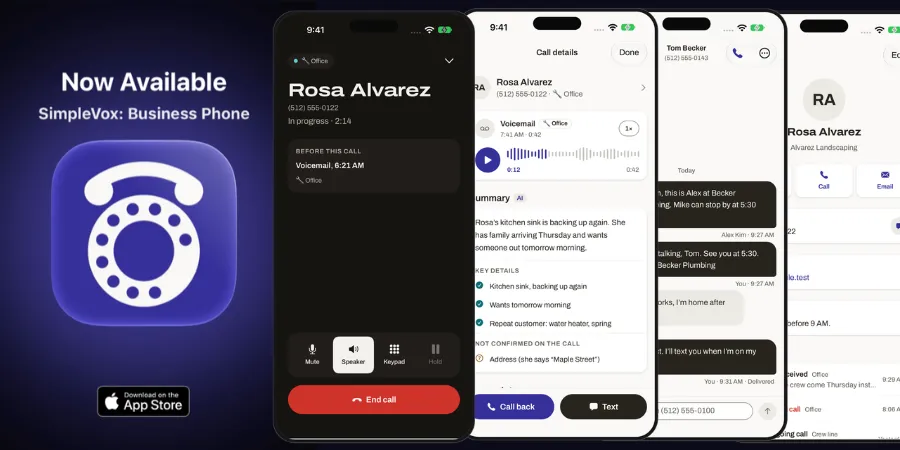
    Your business calls, texts, and voicemail are now together in a completely redesigned app built for getting work done wherever you are.

    Already using the previous SimpleVox app? You will need to download this app separately. This is not an update to the old app. Download the new app and sign in to complete the process.

    What’s new

    • One inbox for your team. See calls, texts, and voicemail together by business line. Mark conversations done or unread so everyone can keep track of what needs attention.

    • Business calling on the go. Make and receive calls using your business number, see which line is ringing, and call directly from a contact or conversation.

    • Texts and pictures. Keep customers in the loop with business texting, picture messages, and alerts for new texts and voicemail.

    • Voicemail you can read. Catch up with AI summaries, transcripts, and recording playback when enabled for your line.

    • Customer context at your fingertips. Access shared contacts, notes, and conversation history before you call or reply.

    • Calls started by your AI assistant. Ask a connected AI assistant to place a SimpleVox call: your iPhone rings first, then connects you from your business number.

    Get the app, or read the mobile app guide to set it up.

  2. The new SimpleVox

    The Office inbox, with a conversation open and an answered call's summary
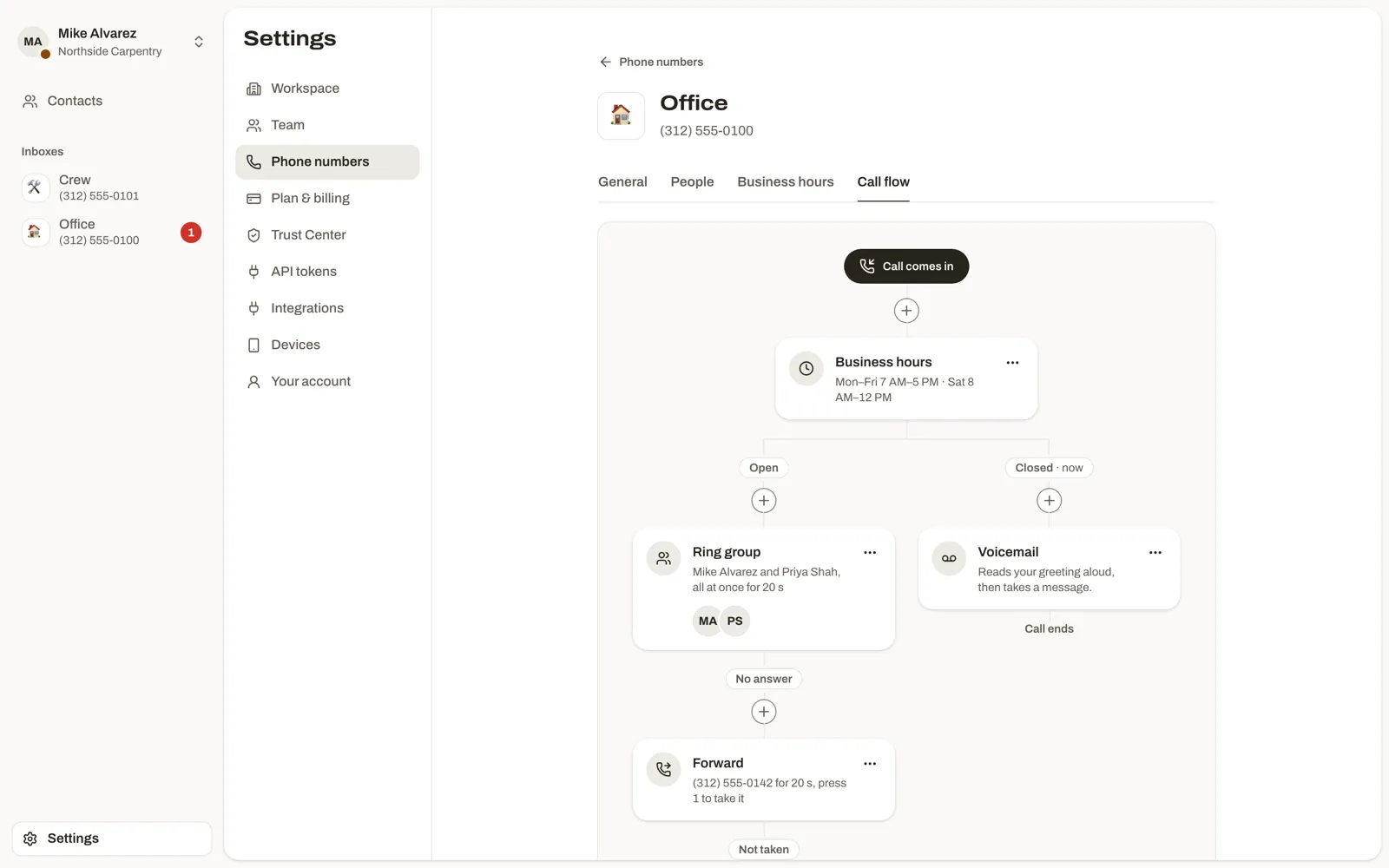
    The call flow for the Office number, from business hours to a ring group or voicemail
    The Trust Center with an approved texting registration

    SimpleVox has been rebuilt from the ground up. You sign in at my.simplevox.app.

    • One shared inbox: calls, voicemail and texts (SMS and MMS) for each customer in one conversation, with Open, Unread and Done status that shows who marked it.
    • Summaries you can check: recorded calls and voicemails are transcribed and summarized with the key details first, and every point links to the moment it was said.
    • Call handling: build each number’s call flow from business hours, ringing one person or a group (all at once, in order or round robin), forwarding with optional screening, recorded messages and voicemail. Greetings can be uploaded or made from text.
    • Mobile and web apps: make and take calls from your business number in the SimpleVox mobile app or the web app, and choose which number to call from.
    • Numbers and team: pick local or toll-free numbers, or bring the number you have, name them, and choose who on your team answers each one. Contacts are shared with the whole workspace.
    • Spam protection: incoming calls that look like spam are labeled Spam likely, spoofed callers can be blocked, and Boost adds spam screening rules.
    • Trust Center: register for business texting (A2P 10DLC), get verified caller ID on outgoing calls (STIR/SHAKEN) and add a caller ID name.
    • AI tools: connect Claude, ChatGPT, Grok or another AI tool that supports MCP. It can look up calls, texts, transcripts and contacts, and, with the permissions you choose, send texts, set up calls that connect you with the customer and update contacts.
    • Public API: a REST API with personal API tokens. See the API docs.
    • Plans: Solo, Pro and Boost, billed monthly or yearly. See pricing.

    Voice menus from the earlier SimpleVox app are retired in favor of numbers that ring the right people directly. Automatic missed-call text back isn’t part of this release.

2025

  1. May product updates

    • Action Center: see actions sorted by contact or by call.
    • Smart caller ID and spam blocking: better spam call blocking based on STIR/SHAKEN matching, so calls are validated against the underlying carrier and spoofed calls are reduced.
    • Early access, auto text back: SimpleVox can text back callers you miss who don’t leave a message. Available by request.
  2. March product updates

    • Voice menus: improvements to building and editing voice menus (IVR).
    • AI insights: updates to the model behind call insights.
    • Straight to voicemail: a new option to send callers directly to voicemail.